
What Is a Smart Home? A Beginner Guide Without Overwhelm
Introduction: You Don’t Have to Be a Tech Person
The phrase ‘smart home’ has a way of making people feel like they need an engineering degree. Images come to mind: complicated installations, blinking routers, a wall of tablets, and the constant low-level anxiety of something not connecting. For a lot of people, that picture is enough to make them close the browser tab and forget about it entirely.
But here’s what a smart home actually is, in its simplest form: a home where some things happen automatically, so you don’t have to think about them. Your lights turn off when you leave. Your heating adjusts before you wake up. Your front door unlocks when your hands are full. Small things, quietly handled.
“A smart home isn’t about impressive technology. It’s about removing the tiny frictions that quietly drain your energy every day.”
This guide is for anyone who is curious about smart homes but doesn’t want to feel overwhelmed by them. We’ll explain what a smart home actually is, how it works, what you genuinely need to get started, and — most importantly — how to build one at your own pace, without turning your home into a science project.

What Is a Smart Home, Really?
A smart home is simply a home that uses connected devices to automate or remotely control things that would otherwise require manual action. That’s it. No jargon required.
The ‘connected’ part means these devices communicate — either with each other, with your smartphone, or with a central hub — usually over your home’s Wi-Fi or a dedicated wireless protocol like Zigbee or Z-Wave. When they’re connected, they can be controlled, scheduled, and triggered by conditions: time of day, your location, the weather, or your voice.
Some examples of what ‘smart’ actually looks like in everyday life:
- Your lights dim automatically at 9pm because you set them to — and you never touch a switch.
- Your thermostat notices you’ve left the house and stops heating an empty home.
- Your robot vacuum runs while you’re at work and docks itself when it’s done.
- Your doorbell shows you who’s at the door, on your phone, from wherever you are.
- You say ‘goodnight’ and everything turns off.
None of these require a technical background. Most require an app, a few minutes of setup, and a willingness to let your home do a little more of the work.
How Does a Smart Home Work?
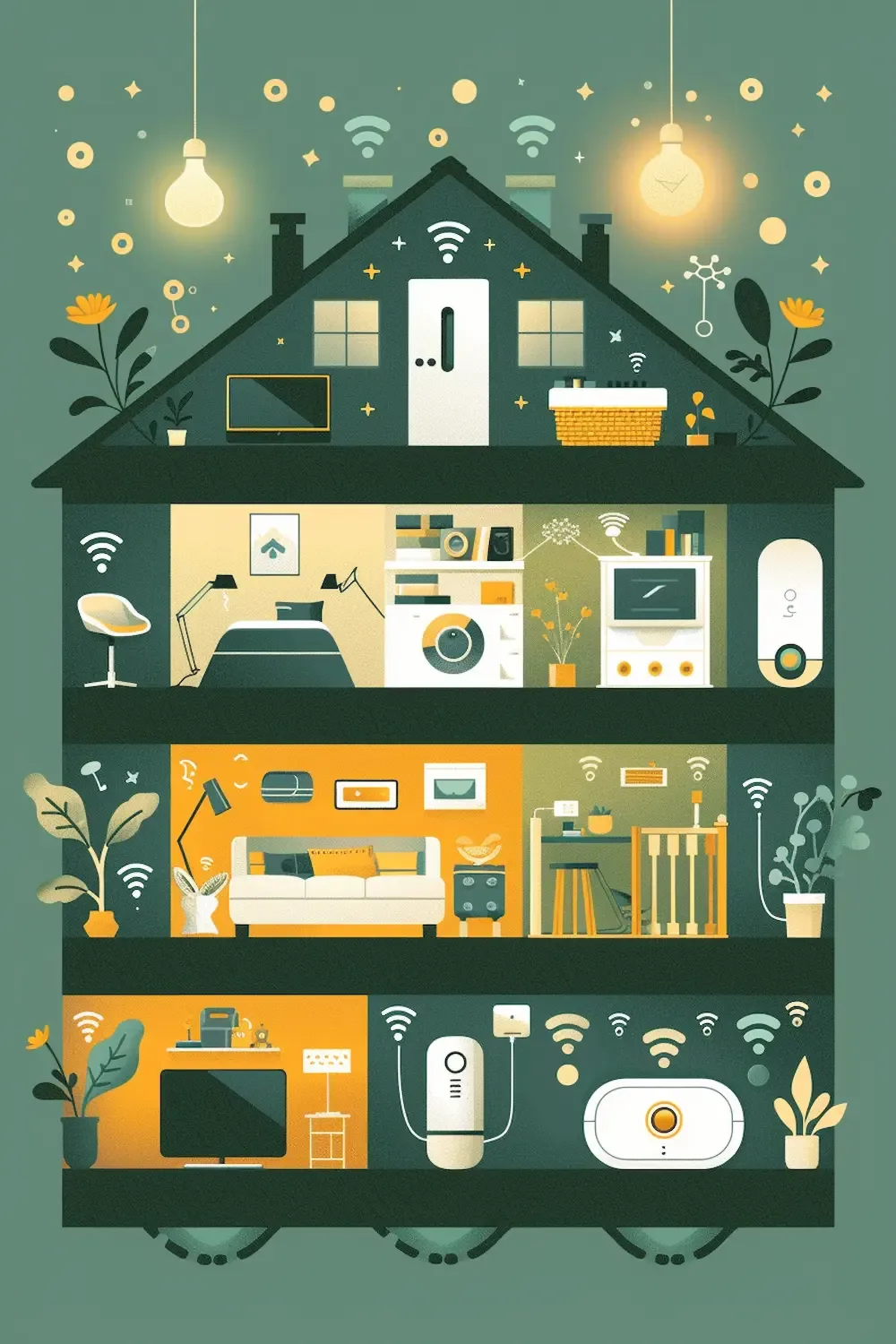
Behind every smart home — however simple or complex — is the same basic structure: devices, a network, and a way to control them. Understanding these three things is all you need.
The Devices
Smart devices are ordinary household things with a small computer inside. A smart bulb is a light bulb that can receive instructions. A smart plug is a socket that can be switched on or off remotely. A smart lock is a deadbolt that can be unlocked without a key. The ‘smart’ part is just connectivity — the ability to receive and send information.
The Network
Most smart devices connect via your home Wi-Fi. Some use Zigbee or Z-Wave — low-power wireless protocols that are more reliable for devices like sensors and locks that need to stay connected around the clock without draining batteries. You don’t need to understand the difference right away; most starter devices run on Wi-Fi and are plug-and-play.
The Control Layer
This is where everything comes together. Your control layer is the app, the voice assistant, or the hub that lets you manage your devices in one place. Apple Home, Google Home, and Amazon Alexa are the three most common platforms for beginners. Each lets you group devices, set schedules, create automations, and control everything from a single interface — including by voice.
“Think of the control layer as the remote control for your entire home. You only need one — and the best one is whichever feels most natural to you.”
The most important decision you’ll make as a beginner isn’t which devices to buy. It’s which ecosystem to build around. Choosing your platform early saves a lot of headaches later — because not every device works with every platform, and mixing too many systems is how smart homes get complicated.

What Do You Actually Need to Get Started?
This is the question that trips most beginners up, because the internet will happily give you a list of 47 essential smart home devices. Here’s a more honest answer: you need three things to start, and you can add everything else later.
A Reliable Wi-Fi Router
Everything runs through your network. If your Wi-Fi is patchy or slow, your smart home will be frustrating. Before buying a single device, make sure your router covers your whole home reliably. A mesh network system — Eero, Google Nest Wifi, or similar — is worth considering if you have dead zones. This is the foundation everything else sits on.
One or Two Starter Devices
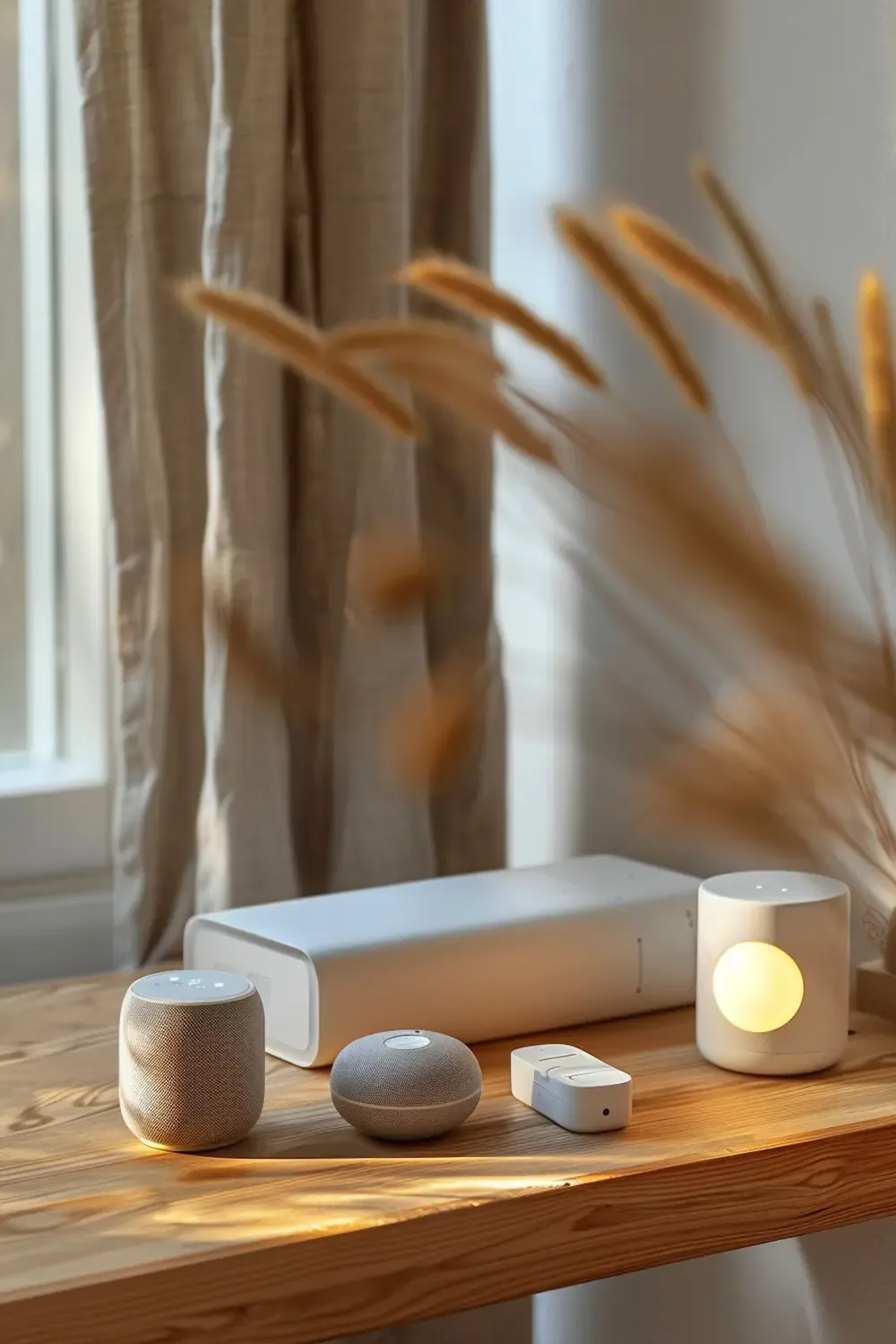
Don’t try to automate everything at once. Start with one room, one problem, one solution. The most beginner-friendly entry points are smart lighting (a single bulb or dimmer switch), a smart plug (for a lamp or coffee maker), or a smart speaker (which doubles as your first voice assistant). Any of these can be set up in under ten minutes and will give you an immediate, tangible feel for what smart living is like.
A Platform to Build Around
Pick one ecosystem before you buy your second device. Apple Home if you’re deep in the Apple ecosystem. Google Home if you use Android and Google services. Amazon Alexa if you want the widest device compatibility at the most accessible price points. All three are capable. The best one is the one you’ll actually use.
Common Beginner Worries — Answered Honestly
Before most people buy their first smart device, the same questions tend to come up. Here are honest answers to the ones we hear most often.
“Is it difficult to set up?”
For most devices: no. A smart bulb screws in like a normal bulb and connects to an app in about two minutes. A smart plug requires even less. The setup experience has improved dramatically in the last few years — most devices now walk you through the process step by step. If you can set up a new app on your phone, you can set up a smart home device.
“What if it stops working?”
Smart devices occasionally go offline, especially if your Wi-Fi drops or the manufacturer’s servers have an issue. This is a real limitation, and it’s worth being realistic about it. The practical approach: keep manual alternatives in place for anything critical. A smart lock should always also have a key. A smart light switch should still work manually. Think of automation as a layer on top of a normal home — not a replacement for it.
“Is it expensive?”
It doesn’t have to be. A single smart bulb costs around €10–15. A smart plug can be found for under €20. You can build a genuinely useful smart home for the price of a dinner out, and scale from there. The expensive route — professional installation, premium ecosystems, custom automation — exists, but it’s optional. Start small, see what you actually use, and invest from there.
“Is it private and secure?”
Privacy is a legitimate concern. Smart devices collect data — sometimes more than you’d expect. Choosing reputable brands, keeping firmware updated, using strong passwords, and setting devices on a separate guest network are the basic precautions. Local-first systems like Apple Home (which processes most data on-device) are generally considered more privacy-conscious than cloud-dependent alternatives.
The Calm Approach: Building Slowly and Intentionally
The biggest mistake beginners make is doing too much at once. They buy a bundle of devices, spend a weekend trying to make everything work together, run into compatibility issues, and conclude that smart homes are ‘not for them.’ The problem wasn’t the technology — it was the approach.
A calmer path looks like this: one device, one week. Install it, live with it, notice what it does and doesn’t do for you. Then decide whether to expand. This approach means you only end up with devices that genuinely improve your day — not a collection of gadgets that needed to be managed.
It also means your smart home grows around your actual habits rather than around what a review article told you to buy. The automation that saves you the most mental energy is different for everyone. For some it’s lighting. For others it’s heating. For many it’s the simple relief of knowing the house is locked and the lights are off without having to check.
“Start with one device, one week. Only add more when you’ve noticed — genuinely — that your first device has made something easier.”
Smart homes work best when they reflect who you are and how you live. That takes time to discover. Give yourself that time, and the result will be a home that feels effortless — not because it’s full of technology, but because the technology it has is exactly right.

Conclusion: Your Smart Home, At Your Pace
A smart home doesn’t require a large budget, technical expertise, or a complete renovation. It requires curiosity, a little patience, and the willingness to start somewhere small.
What it gives back — at its best — is something genuinely valuable: a home that handles more of the small things, so your attention is free for the things that matter. A home that feels easier to live in, not harder.
You don’t need to build the home of the future. You just need to make tomorrow morning a little smoother than today.