Invisible Automation: Smart Systems You Don’t Notice
The best automation in a smart home is the kind you set up once and then forget. Not because you forgot it exists — but because it does its job so consistently and so quietly that it has stopped requiring your attention. The light is right when you walk in. The temperature is what you need before you think to check. The devices you were not using are off without you having to remember. This guide is about how to build that kind of automation — and what makes the difference between an automation you notice and one that simply becomes the way your home works.
What Makes an Automation Invisible
Not all automations become invisible. Some stay noticeable — you are aware each time they fire, you think about them occasionally, you check on them after they have run. These are not bad automations, but they are not the kind this article is about. The invisible automations are a specific category: they become part of the infrastructure of the home rather than part of its interface.
Disclaimer & transparency
This article was created with the assistance of AI tools and assembled and edited by a human editor. While care has been taken to ensure accuracy, I cannot personally verify every technical detail. The information provided here is intended as a general guide, not as professional or technical advice. Always verify compatibility with your specific devices and systems before purchasing or installing anything described in this article.
Affiliate disclosure: This site participates in the Amazon Associates Programme and the Etsy Affiliate Programme. If you purchase through some of the links, at no extra cost to you, I may earn a small commission. I only recommend products I believe are genuinely suitable for the use case described.
The four qualities of an invisible automation
- It fires consistently. An automation that works reliably every time becomes invisible quickly. An automation that occasionally fails stays visible because you are always checking whether it ran. Reliability — which comes from good device quality, a stable network, and a well-configured trigger — is the prerequisite for invisibility.
- It produces the right outcome. An automation that does exactly what you need, at exactly the level you need, requires no adjustment after the fact. An automation where the light is slightly too bright, or the temperature drops too fast, keeps drawing your attention for correction. Getting the parameters right — the brightness level, the temperature target, the timing — is what allows you to stop thinking about the automation.
- It sends no notification. A notification that an automation ran is a reminder that the automation exists. Remove all status notifications from automations you want to be invisible. The outcome is evidence enough that they ran.
- It fails gracefully. When an invisible automation fails — connectivity loss, device issue, schedule conflict — it fails toward the familiar rather than toward the unexpected. The lights stay on rather than switching off unexpectedly. The temperature holds rather than dropping. Graceful failure means the automation is not noticed even when it does not run.
"An automation becomes invisible not when you decide to stop noticing it, but when it has been reliable long enough that your brain has removed it from the list of things to monitor. That reliability takes time and careful initial calibration."
The Categories: What Types of Automation Become Invisible Most Reliably
Not every type of automation becomes invisible with equal ease. Some categories — because of their trigger types, their device requirements, or their interaction with other systems — are inherently more reliable and therefore more likely to disappear from conscious awareness. These are the categories to prioritize when building for invisibility.
Time-based automations: the most reliably invisible
A time-based automation fires at a specific clock time every day or on specific days of the week. It has no sensor, no network dependency beyond its initial configuration, and no condition that can fail in an unexpected way. If the schedule is correctly set and the device is powered and connected, it fires. This simplicity is its main advantage: there are few things that can go wrong with a schedule, and when the device is reliable, the automation simply runs at the right time every day.
Time-based automations are particularly well-suited to temperature management (thermostat schedules), standby power management (smart plug off-times), and lighting atmosphere (the evening warm-down). All three categories benefit from regularity and are disrupted by irregularity — which makes the predictability of a time-based trigger particularly appropriate.
Presence-based automations: powerful but requiring more care
Presence-based automations — geofencing triggers that fire when your phone enters or leaves a geographic area — are among the most impactful automations available. An away mode that fires when you leave home and a welcome scene that fires when you return are both potentially invisible once correctly configured. They require careful setup: the detection radius must be calibrated to avoid false triggers, and the household configuration (all members vs any member) must be correct.
Once calibrated, presence-based automations become invisible quickly — because their outcomes (arriving to a prepared home, leaving without worrying about what is on) are so clearly useful that they stop generating any friction. The condition for invisibility is that the detection is reliable enough that you never consciously wonder whether it will fire.
Motion-based automations: invisible in the right locations
Motion-triggered automations — lights on when you enter, lights off after a period of no movement — are invisible specifically in transition spaces: the hallway, the bathroom, the utility room. In living spaces where people sit still for extended periods, motion sensors are impractical without careful timeout calibration (the light turning off while you are sitting still is the opposite of invisible). In transition spaces, where occupancy is brief and movement is constant while the space is occupied, motion sensors become genuinely invisible infrastructure very quickly.
→ The full collection of specific automations across all categories: → Calm Automation Ideas That Reduce Daily Stress

Five Automations That Reliably Become Invisible
The following five automations are the ones that, based on their trigger types and device requirements, most consistently achieve the invisible state — the point where you have genuinely stopped monitoring them.
1. The circadian temperature schedule
What it does: The thermostat follows a 24-hour schedule — different temperatures for waking, daytime, evening, and sleep — without requiring any manual adjustment on any day.
Why it becomes invisible: The home is consistently at the right temperature for whatever part of the day it is. There is no temperature friction to draw attention to it.
What makes it fail: A schedule that does not match actual household patterns — set on a day when the schedule seemed sensible but reflects a routine that varies significantly. Adjust the schedule to match your actual patterns, not your ideal ones.
Setup time: 15 minutes. Initial temperature values can be adjusted over the first two weeks; the schedule does not need to be perfect on day one.
2. The standby power cutoff
What it does: Smart plugs on entertainment devices switch off fully at a set time each night — removing standby power draw without requiring manual action.
Why it becomes invisible: The outcome (lower energy use, devices off when not needed) produces no friction and draws no attention. You interact with the devices normally during the day and forget about them when you sleep.
What makes it fail: Scheduling the cutoff too early, so devices that are still in use get powered off. Set the schedule later than you think you need to, and adjust earlier once you know the household’s actual evening patterns.
Setup time: 5 minutes per plug.
3. Corridor and bathroom motion lighting
What it does: Lights in transition spaces activate when presence is detected and switch off automatically after a set period of no movement — typically 3–5 minutes for a bathroom, 1–2 minutes for a hallway.
Why it becomes invisible: The lights are simply on when they are needed and off when they are not, without any interaction. You stop thinking about hallway lighting because there is nothing to think about.
What makes it fail: Timeout set too short (lights off while you are still in the space) or sensitivity set too high (pet triggers in rooms where you want only human-presence detection). Calibrate both carefully in the first week.
Setup time: 15 minutes per room, including sensor placement.
4. The away mode
What it does: When all household members’ phones leave the home area, all lights switch off, smart plugs deactivate non-essential devices, and the thermostat drops to an economy temperature.
Why it becomes invisible: The ‘did I leave anything on?’ thought disappears. It becomes replaced by the quiet background confidence that the home has handled it.
What makes it fail: Condition set to ‘any member leaves’ rather than ‘all members away’. This fires every time one person leaves while others are still home. The all-members condition is essential.
Setup time: 10–15 minutes. Requires location access always-on for all household smartphones in the ecosystem app.
5. The evening light warm-down
What it does: At a set time or at sunset, living room and kitchen lights shift gradually over 20 minutes from their daytime color temperature to a warmer, dimmer evening setting.
Why it becomes invisible: The room simply feels different in the evening than it did in the afternoon. The transition is slow enough to be imperceptible while it happens.
What makes it fail: The transition happening too quickly (noticeable and slightly jarring), or the final brightness being too low for activities still happening at that hour. Set the transition to 20 minutes minimum and the final brightness to 40–50% rather than 20%.
Setup time: 5 minutes.
⟶ Smart plugs for the standby cutoff automation — compared and curated: Best Smart Plugs for Simple Automation
4. The Devices: Qualities That Support Invisibility
Not all smart home devices are equally suited to invisible automation. The qualities that make a device good for notification-heavy, actively managed use cases are different from the qualities that make it good for the set-and-forget automations described in this article.
What to look for in devices intended for invisible automation
- Local processing: Devices that can execute schedules and automations locally — without requiring a cloud server to process the trigger — are more reliable when internet connectivity is intermittent. A thermostat that continues its schedule when your internet is down is more invisible than one that fails to the last known state.
- Matter certification: Matter-certified devices work across all major ecosystems and run automations locally. The local processing is the relevant feature here: local execution means the automation does not depend on a manufacturer’s cloud service remaining online and responsive.
- Long track record: A device brand with several generations of the same product type is more likely to be reliable than a newer entrant. For invisible automation, reliability over months and years matters more than features.
- Physical fallback controls: A device that has a physical control (a button, a dial, a switch on the unit) that works regardless of the automation layer allows household members to interact with it normally during the calibration period and during automation failures.
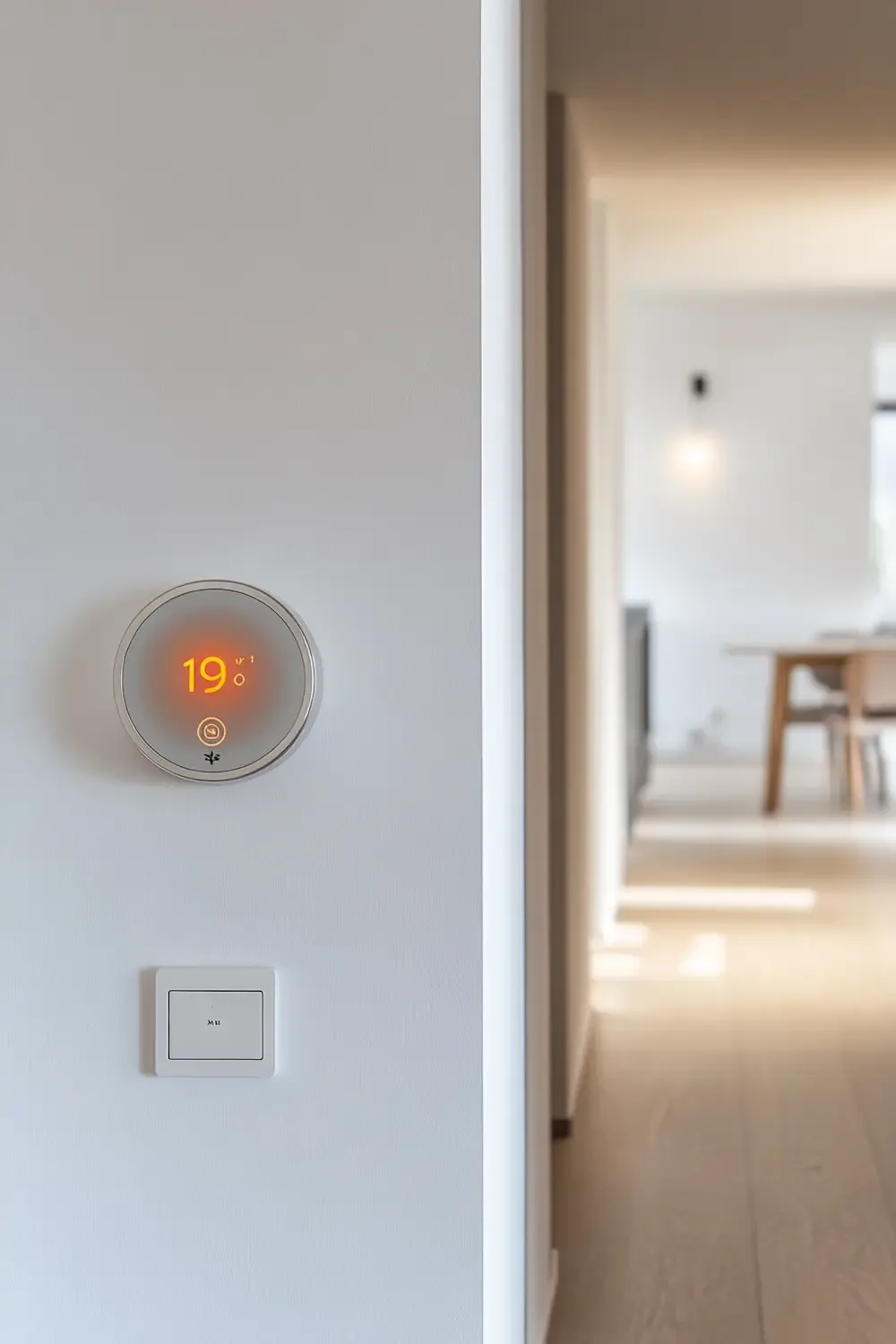
For the circadian temperature schedule — Automation 1 above — a thermostat that continues its schedule locally even when the internet is down:
| ⟶ Meross Smart Thermostat — Matter Certified, Works with Alexa, Apple Home, Google Matter-certified thermostat with local processing. The 7×24 schedule runs on the device itself, not through a cloud service — it continues to follow the programmed schedule even during internet outages. Compatible with Alexa, Apple HomeKit, Google Home, and SmartThings simultaneously. Works with 95% of standard HVAC systems (heat pumps, furnaces, boilers, air conditioners). C-wire required for most installations — check the compatibility page before purchasing. The slim glass panel design integrates cleanly into a minimal wall. ~€55–70 · Via Amazon Note: C-wire required for most configurations. If your current thermostat wiring does not have a C-wire, search for the Meross C-wire adapter on Amazon. The product page includes a compatibility checker. Not suitable for electric baseboard heaters or millivolt systems. |
For those wanting local automation control across all devices without cloud dependency:
| → Home Assistant — Free Open-Source Local Home Automation Platform · Editorial recommendation — no commercial relationship Home Assistant is a free, open-source smart home platform that runs on local hardware (a Raspberry Pi or a dedicated Home Assistant device) and processes all automations locally without any cloud service involvement. It integrates with hundreds of smart home devices including most major brands. For the advanced user who wants maximum control over their automation reliability and privacy, it is the most comprehensive local automation solution available. Runs continuously in the background; requires a small amount of hardware. Free software — hardware from ~€80 · Via Home Assistant Note: This is an editorial recommendation with no commercial relationship. Home Assistant requires more initial setup than consumer platforms (Alexa, Google Home, Apple Home) but provides significantly more control over automation reliability and privacy. It is the right choice for users who want their automations to be truly independent of any manufacturer’s cloud service. |
→ The notification management that makes invisible automation possible: → How to Reduce Notifications in a Smart Home
5. Calibration: The Two-Week Window That Makes Automations Invisible
Every automation requires a calibration period — a window of time, typically two weeks, in which you pay attention to whether it is behaving correctly and make small adjustments. This period is the opposite of invisible: you are actively monitoring the automation, noticing when it fires, checking whether the parameters are right.
This is not a flaw in the process — it is the process. The purpose of the calibration window is to get the automation to the point where calibration is no longer needed. Once the timing is right, the brightness or temperature is right, and the conditions are right, the automation stops requiring your attention and enters the invisible state.
What to adjust during calibration
| Automation | What usually needs adjustment | How long calibration takes |
| Circadian temperature schedule | Times (when heating actually needs to be different) and target temperatures | 1–2 weeks: adjust once per week until comfortable |
| Standby power cutoff | Cutoff time (if devices are still in use at the scheduled time) | 3–5 days: observe actual usage and move the time later if needed |
| Motion lighting | Timeout duration (lights off too soon, or staying on too long) | 1 week per room: set conservatively long and reduce |
| Away mode | Detection radius (false triggers when close to home but not inside) | 3–7 days: adjust the radius in the ecosystem app until stable |
| Evening light warm-down | Final brightness (too low for activities still happening); transition speed (too abrupt) | 1 week: adjust final brightness first, then transition duration |
The calibration principle: adjust one parameter at a time, and only after observing the automation for several days with the current settings. Changing multiple things simultaneously makes it impossible to identify which change produced which effect.
"Calibration is not failure. It is the process of teaching your home your actual patterns, not the patterns you imagined when you set things up. Every good invisible automation went through a visible calibration period first."
→ How to simplify your smart home to enable better calibration and invisibility: → How to Simplify Your Smart Home Setup
What Prevents Invisibility: The Patterns That Keep Automations Visible
Some automations never achieve the invisible state, regardless of how long they run. This is usually not a device problem. It is a design problem — something about how the automation was conceived or configured that keeps pulling your attention back to it.
The most common patterns that prevent invisibility
- Too complex a trigger condition. An automation with multiple conditions (‘only if A and B and it is before C and the device D is in state E’) is cognitively present because it occasionally fails in unexpected ways when one of the conditions behaves differently than expected. The simpler the trigger, the fewer things can go wrong, and the more consistently the automation fires — and therefore the more quickly it becomes invisible.
- Parameters that are close but not quite right. A brightness level that is 10% too bright for comfortable evening use. A temperature that is 1°C warmer than comfortable for sleeping. A timeout that is 30 seconds too short so the lights occasionally turn off before you have left the room. These near-misses keep the automation in consciousness. Calibrate to the right parameters; do not accept ‘close enough’.
- A notification that confirms the automation ran. Every notification keeps the automation present in awareness. Remove all status notifications from automations you want to become invisible. The outcome — the right temperature, the lights being off — is its own confirmation.
- Other household members interacting differently with the automation. An automation that one person relies on and another person regularly overrides never fully stabilizes. If someone in the household is consistently using a device in a way that conflicts with an automation, that automation is not yet correctly configured for the household’s actual patterns. Fix the underlying conflict rather than accepting the override.
→ The smart home patterns that most consistently create stress rather than reducing it: → Smart Home Mistakes That Create Stress — many of them are visibility problems in disguise
For the evening warm-down automation — Automation 5 above — a reliable tunable-white bulb that calibrates well:
| ⟶ TP-Link Tapo L535E — Matter Smart Bulb, Tunable White + Full Color (2-Pack) Matter-certified smart bulb with tunable white from 2,500K warm amber to 6,500K cool daylight. At 1,100 lumens brighter than most comparable bulbs. CRI >90. Works with Alexa, Google Home, Apple HomeKit, and SmartThings. The tunable white feature is what enables the evening warm-down automation described in this article — a standard warm-white bulb can dim but cannot shift color temperature. The 2-pack covers a living room and a kitchen or bedroom simultaneously. ~€28 for 2-pack · Via Amazon Note: Tunable white (color temperature adjustment) is the essential feature for invisible evening automation. Confirm that the bulb you choose specifies ‘tunable white’ or ‘adjustable color temperature’ — not just dimming. |
⟶ The devices most worth building invisible automations around: Must-Have Smart Home Devices for a Calm Lifestyle
The Invisible Home
The invisible smart home is not a goal that is achieved once and then maintained. It is a state that each automation reaches independently, when it has been correctly calibrated and reliably running for long enough that it has moved from the foreground to the background of daily awareness.
Building toward it is a process of simplification and calibration — choosing the right trigger types (time-based and presence-based above motion-based for most applications), using devices with local processing and good reliability records, removing every notification from automations that are running correctly, and taking the time to adjust parameters until they match the actual patterns of the household.
The reward is a home that does not demand your attention. Not because it has nothing to offer — it is performing more tasks than an unautomated home — but because it has learned to perform them so consistently that they have become infrastructure rather than technology. That is the invisible home.
"The smart home that you are most proud of is probably the one you think about least."